
Watching the battery gauge melt away in the middle of the afternoon, or seeing the phone shut down abruptly with 15 % still showing, is one of the most common frustrations on a smartphone. Yet a drop in battery life does not automatically mean the cell is worn out. Between winter weather, power-hungry apps running in the background and the chemical ageing of lithium-ion cells, it pays to make a proper diagnosis before jumping to conclusions.
1. Sudden drop or chemical wear: telling them apart
Before looking at the physical state of your battery, one distinction matters above all others: did your battery life collapse overnight, or has it been eroding slowly for months?
Apps and system updates
A sudden loss of endurance, appearing within a few days, is almost always software-related. After a major system update, the device re-indexes thousands of files in the background: the processor works unusually hard for a day or two, then everything settles down. Likewise, a recently installed or updated app may contain a bug and loop endlessly in the background. A look at the battery usage screen usually exposes the culprit: if one app accounts for 25 to 30 % of total consumption when you have barely opened it, you have found it.
The overlooked effect of cold weather
Many people worry when their phone jumps from 25 % to 2 % during a walk in winter. This does not necessarily mean the battery is dead. Lithium-ion batteries rely on electrochemical reactions in a liquid medium: when the temperature drops below 5 °C, the electrolyte thickens and the cell’s internal resistance rises sharply. Unable to hold its voltage under load, the battery suffers a temporary drop; the electronic controller reads this as a full discharge and cuts power as a safety measure. Once the device returns to room temperature, the available capacity stabilises again.
2. Charge cycles and remaining capacity: two different things
Two indicators come up constantly when measuring battery ageing, and they are often confused.
- A full charge cycle is the cumulative total of 100 % of charge used and then restored. If you use 40 % of your battery during the day, recharge in the evening, then use 60 % the next day, you have completed one cycle, not two. This is why topping up several times a day does not wear the battery faster: only the total counts.
- Remaining capacity (SoH, State of Health) is how much energy the cell can still store compared with its factory capacity. A battery rated at 5,000 mAh that now holds only 4,000 is at 80 % health.
The two are linked, but cycle count alone tells you little: the environment plays a considerable accelerating role. A battery regularly exposed to high heat — left on a car dashboard in the sun, for instance — ages far faster than one treated gently, at the same cycle count. Depending on the generation and the technology used, recent batteries generally last several hundred cycles before dropping below 80 % of their original capacity.
3. How to check your battery health, brand by brand
Good news: on recent models, every brand we stock now shows this figure openly in the settings. No secret code, no third-party app required. Only the path differs from one manufacturer to the next — and no two are named quite the same, which is exactly why nobody finds it.
One caveat that applies to all six brands: this display appeared gradually, with recent versions of each interface. The older your phone, the less likely you are to find it — and an older phone is precisely when the question arises. If none of the menus below exists on your device, the two fallback methods described further down take over.
Oppo, Realme and OnePlus
These three brands share a common software base — ColorOS, realme UI and OxygenOS — and therefore the same path: Settings > Battery > Battery health. Maximum capacity is shown as a percentage of the original, exactly as iOS does it.
Vivo
On OriginOS, go to Settings > Battery > Battery health and charging. The wording differs, the content is the same: the remaining capacity percentage is spelled out.
Xiaomi, Redmi and Poco
On HyperOS, the figure sits under Settings > Battery > Battery protection. It is a heading that gives no clue — you expect charging options, not a diagnostic — but the maximum capacity is written there.
Honor
On MagicOS you have to dig one level deeper: Settings > Battery > More battery settings. It is the least obvious path of the four, and it arrived later than on the other brands: on an Honor a few years old, the screen may not exist at all.
If none of these menus exists on your device
Two fallbacks, in this order.
On Xiaomi, Redmi and Poco, a hidden technical page. It has existed far longer than the settings screen, and it also gives you the cycle count — something the Battery protection page does not show. Open the Phone app and dial: *#*#6485#*#*
- MB_06 — overall health (a value of “Good” means the cell is in good condition).
- MF_02 — the number of full charge cycles since the device was first used.
- MF_05 — the current measured capacity, in mAh.
- MF_06 — the nominal factory capacity.
MF_05 divided by MF_06 gives you the remaining capacity: a battery rated at 5,000 mAh measuring 4,350 is at 87 % of its original form.
Two points that prevent a false alarm. These lines do not all appear on every device: depending on the processor, the MIUI version or the HyperOS build, some are hidden or renamed. Not seeing them does not mean your phone is damaged. And do not confuse this code with *#*#6484#*#*, which opens an entirely different menu — the full hardware diagnostic that tests microphones, speakers and the vibration motor. It will tell you nothing about your battery.
On other brands, a diagnostic app. Tools such as AccuBattery or BatteryGuru install from the Play Store and are genuinely useful, as long as you understand what they do. Android gives them no access to the deep hardware registers: they do not read your battery health, they estimate it statistically by observing your charge cycles. You therefore need to let them measure for one to two full weeks before their figure means anything — and treat it as an order of magnitude, not a factory measurement.
4. What wear actually feels like day to day
Beyond percentages, a worn cell produces very recognisable behaviour.
- Clean shutdowns under heavy load. You open the camera with flash, launch a 3D game, or take a call in an area with poor reception: the phone cuts out while the gauge still reads 20 or 30 %. That is the signature of an internal resistance that has grown too high to absorb the current peaks being demanded.
- Unusual heat while charging. The more worn a battery is, the lower its efficiency: the energy going in converts less into chemical storage and more into heat. If the device runs noticeably hot even on a slow charge, degradation is well advanced.
- Battery life that collapses near the end. The last 30 % goes far faster than the first, because voltage drops sooner: the gauge, meanwhile, keeps showing a linear scale that no longer matches the reality of the cell.
A swollen battery: how to react calmly
Over time, a battery can begin to swell, pushing the screen forward or lifting the back glass off the frame. This comes from internal outgassing as the electrolyte breaks down. It is a known, documented phenomenon that affects every lithium-ion battery in the industry, regardless of brand or price bracket — it is a property of the chemistry involved, not a manufacturing defect.
If you notice it, the rule is simple: stop using and charging the device. Do not try to press the casing back into place, and hand the phone to a professional or take it to a specialised recycling point that will handle it properly. If your smartphone was bought from PhoneDroid, you are of course welcome to get in touch to claim your 2-year warranty.
5. Looking after your battery: what works and what is a myth
Is the 20-80 % rule still relevant?
Chemically, keeping a battery between 20 and 80 % genuinely reduces the stress placed on the electrodes, both at very low voltage and at full charge. But imposing that discipline every day means deliberately giving up 40 % of the capacity you paid for. The software protections built into modern interfaces now absorb much of that stress without any effort on your part: the rule remains useful for a device left plugged in permanently, far less so for normal use.
Optimised overnight charging
If you leave your phone plugged in all night, turn on optimised night charging or smart charging, depending on what your brand calls it. The device learns your routine: it charges to 80 %, pauses while you sleep, then finishes the last 20 % shortly before your usual wake-up time. The cell therefore avoids sitting at full voltage for hours, which is precisely the situation that damages it.
Why the charger matters
A cheap charging brick, uncertified or unsuited to your phone’s protocol, is one of the leading causes of premature ageing. A poorly made generic charger delivers unstable voltages and puts needless strain on the phone’s regulation stages. An original brick negotiates power precisely with the device and limits unnecessary heat.
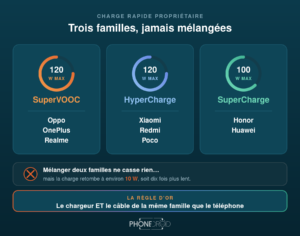
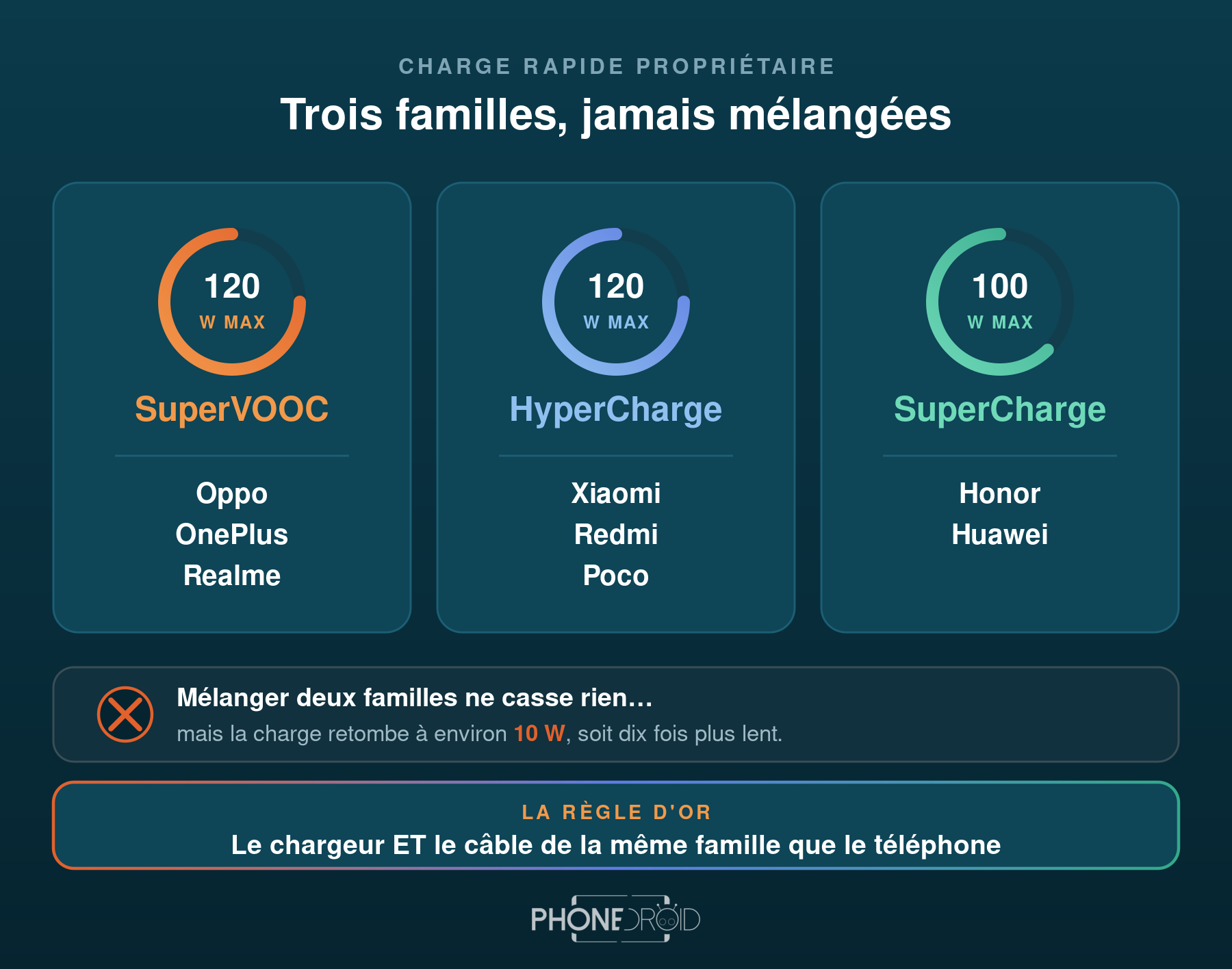
Our official chargers, by brand: Xiaomi, Realme, OnePlus and Honor. Worth noting for Oppo owners: since SuperVOOC charging is shared by Oppo, Realme and OnePlus, bricks from those two brands work with your device as well.
6. Below 80 % after two or three years: the replacement question
When remaining capacity falls below 80 % after twenty-four to thirty-six months of steady use, day-to-day comfort degrades for good. At that point the honest question is no longer how to scrape back a few percent of battery life, but whether the device still deserves the investment.
Because on a three-year-old smartphone, the battery is rarely the only issue. The processor struggles with apps that grow heavier every year, internal storage slows down, and above all the security update cycle stretches out or stops altogether. Replacing the battery in a device whose software support is ending is like fixing the bodywork on a car with a tired engine.
Starting again with a fresh battery
If the diagnosis is clear-cut, current generations have made a considerable leap on this specific front: markedly higher capacities, fast charging that refills the device in a matter of tens of minutes, and far finer software power management than three years ago.
Our available smartphones, by brand: Oppo, Honor, Realme, Vivo, Xiaomi and OnePlus — or the whole range.
- Official Global Versions — original Google services and European network bands
- 2-year warranty, with real customer support
- Free shipping from France — 24h delivery in Europe
Tutorials
See all Hasselblad, Zeiss, Leica, ARRI: what the camera partnerships on our smartphones are really hiding
- Guide: decode your smartphone’s spec sheet!
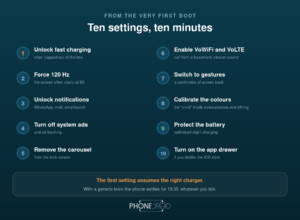
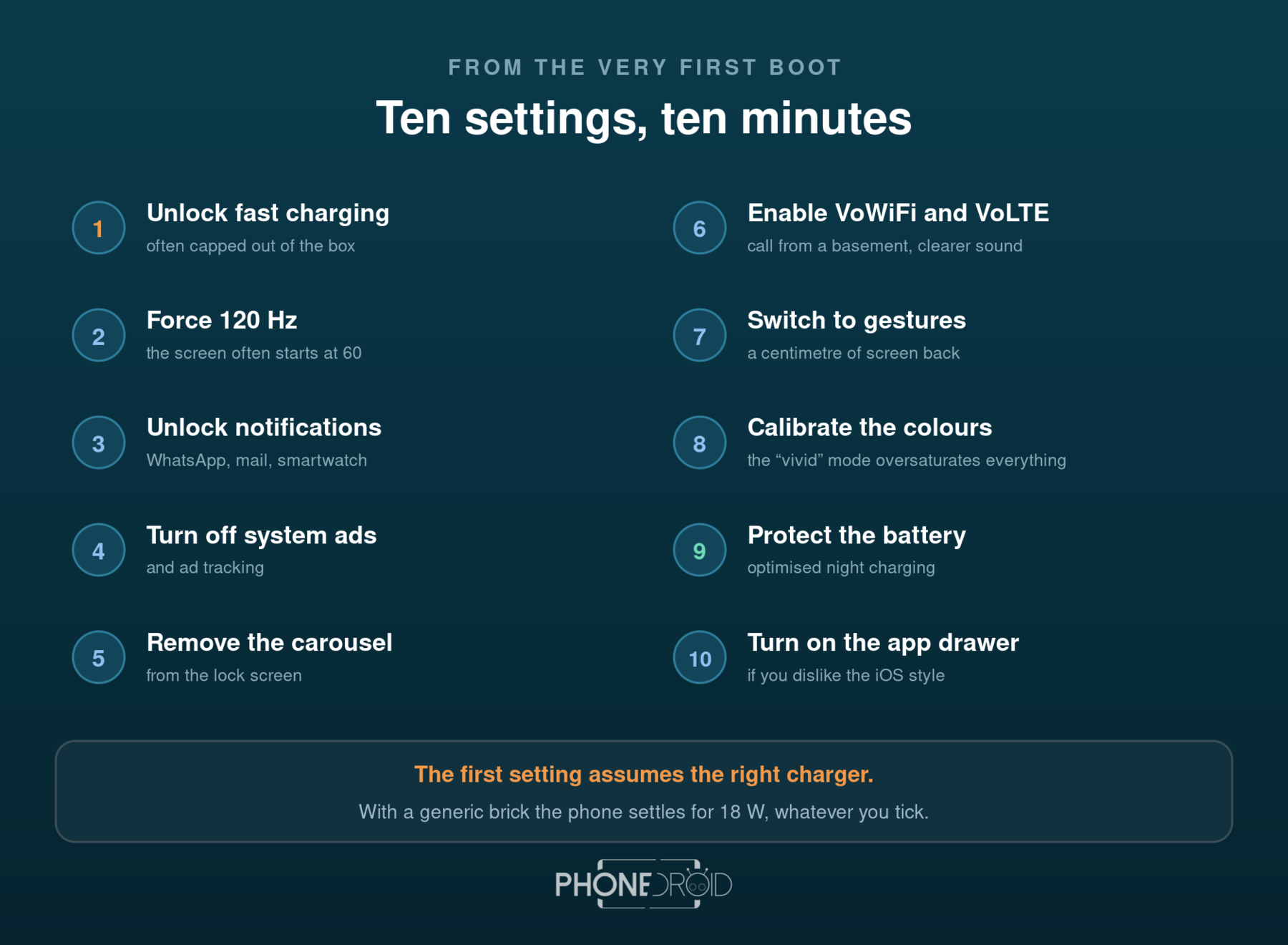
- New smartphone: 10 settings to change right away (Xiaomi, Vivo, Oppo, Honor)
- Switching to Android: how to transfer everything without losing a thing
- A 120W charger on an 80W phone: is it risky?